
Worked example: After the Rain
Use the Classic layout and Cream paper to turn the sample rain illustration into a poster. The source is square, so centred Fill at 100% keeps the entire scene in both print sizes.
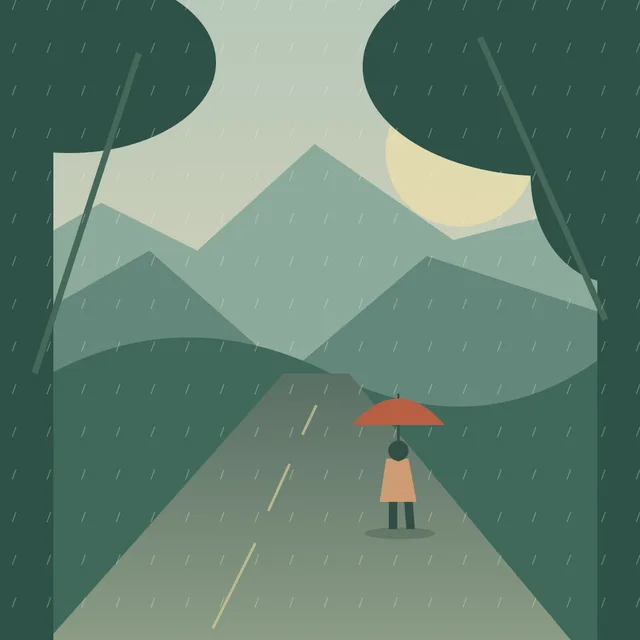
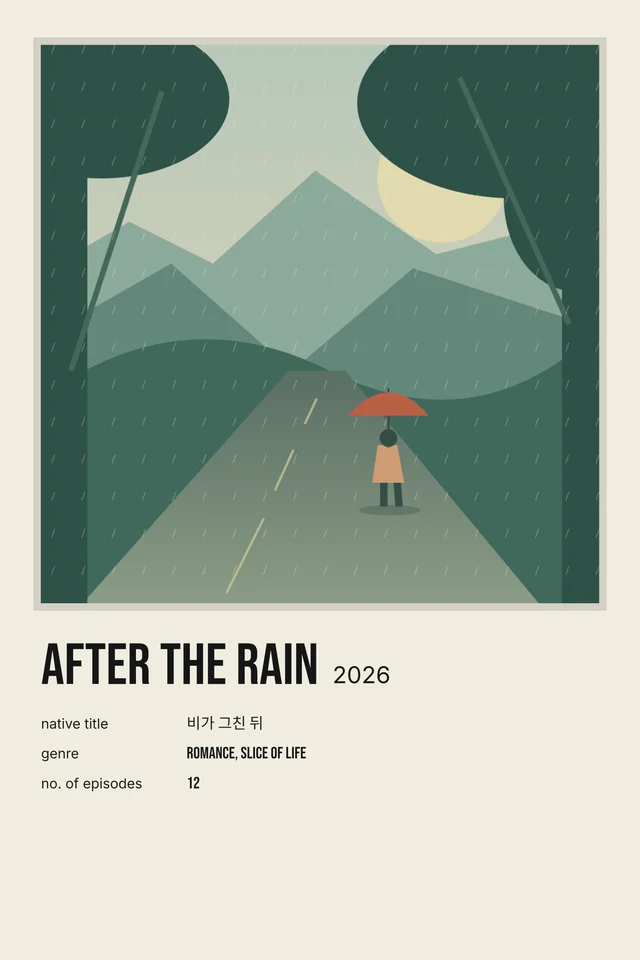
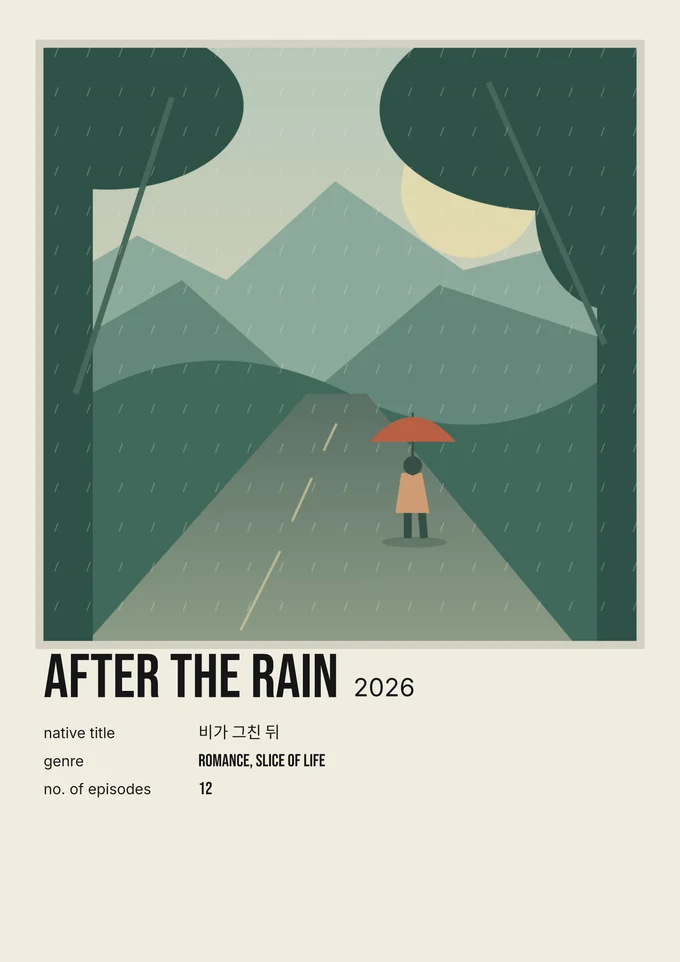
The web images are reduced previews of exports made with the Classic renderer. Open the sample in the maker to try the crop and download the full-size PNG or a print-sized PDF.
Open the sample in the makerPick the final size before exporting
Choose 4×6 inches for a small keepsake or A4 (210×297 mm) for a full sheet. A4 has a different aspect ratio, so check your preview after changing sizes.
PNG or PDF?
PNG is useful for sharing and photo-printing services. The 4×6 PNG is 2731×4096 pixels, while A4 is 2896×4096 pixels. The file includes print-resolution metadata. PDF has an explicitly sized page and is usually the simplest choice for home printing.
Print at actual size
In the print dialogue choose the matching paper and Actual size or 100%. Disable Fit to page if you want exact dimensions. Your printer may require borders; choose borderless printing only if your printer supports it. Make one test print before printing a collection.
A large export cannot repair a small photo
A 4K file describes the output dimensions, not the detail in your original image. A tiny Wikipedia thumbnail can look soft when enlarged. Prefer a high-quality original image and avoid excessive zoom. The editor warns when the source crop is low resolution.
Paper makes a difference
Matte photo paper or suitable cardstock gives a softer keepsake finish. Use paper your printer supports and select its matching paper profile. Screens and printers can reproduce colours differently; a test print is the best guide.
Image credits travel with the poster
When a licensed Wikimedia image requires attribution, its credit and licence links are printed at the bottom of the poster and included in file metadata. Do not crop required credits off a print or a shared version.